123audio Guide
How to Improve Audio Transcription Accuracy
Diagnose why a transcript is wrong, improve the recording and source file, handle accents and specialist terms, and verify the details that matter.
Quick answer
To improve transcription accuracy, fix the audio before trying to fix the text: record each speaker close to the microphone, reduce noise and echo, prevent people from talking over one another, and use the cleanest original file. Select the correct language, add names and technical terms when supported, then verify speaker labels, numbers, negations, and uncertain passages against the recording. AI transcription should be treated as a reviewable first draft, especially when the words will support quotes, decisions, research, or captions.
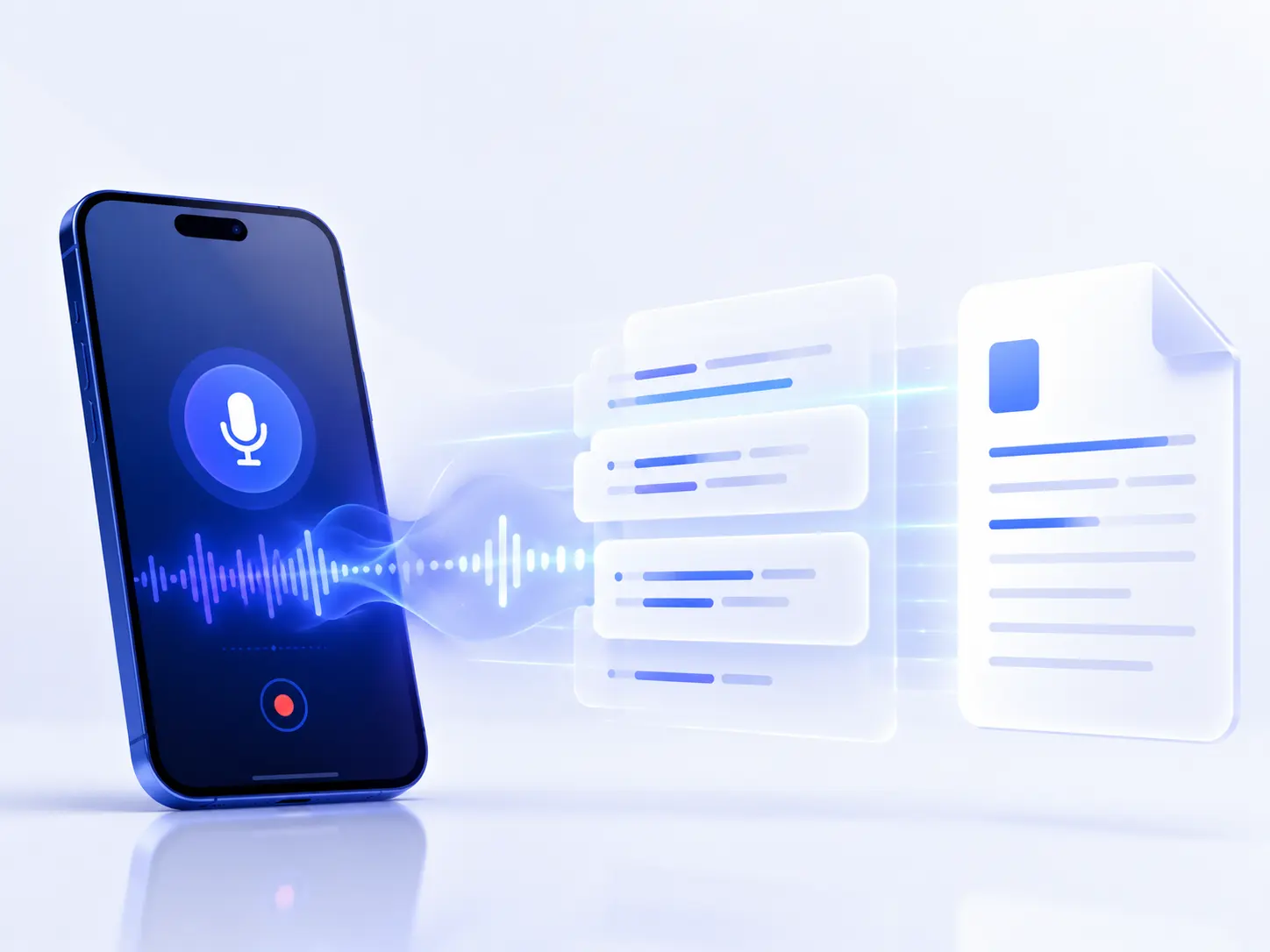
Capture clear speech
A close microphone and a quiet, low-echo room protect the signal before processing begins.
Use the best source
Keep the original file and avoid repeated compression, resampling, or speakerphone recapture.
Review by risk
Check attribution and meaning-bearing details instead of polishing punctuation first.
First, diagnose why the transcript is inaccurate
A transcript can be wrong for several independent reasons. The system may mishear words, spell an unfamiliar name incorrectly, confuse speakers, or punctuate a correct word sequence poorly. Editing all of these as one vague “accuracy problem” makes it difficult to choose the right fix.
Begin with a representative 30–60-second passage rather than the easiest opening. Include the real room sound, at least one speaker change, and a name or technical term that matters. Save the original result, change one variable, and transcribe the same passage again. That simple controlled test shows whether moving the microphone, changing the language, using another source file, or adding vocabulary actually helped.
- Step 1: Run a representative test. Transcribe 30–60 seconds that contains the same speakers, room, vocabulary, and noise as the full recording.
- Step 2: Classify the errors. Separate hearing errors from names and terms, speaker-label mistakes, punctuation issues, and formatting preferences.
- Step 3: Fix the highest-impact input. Improve microphone position, choose the original file, set the correct language, or add a vocabulary list before retrying.
- Step 4: Compare the new result. Use the same test passage so you can tell whether the change helped instead of relying on a general impression.
- Step 5: Transcribe the complete file. Keep timestamps and speaker labels so important passages remain traceable to the recording.
- Step 6: Review high-risk details. Check names, numbers, technical terms, negations, quotes, and low-confidence passages against the source audio.
| Error pattern | Likely cause | Best first action |
|---|---|---|
| Many ordinary words are wrong | Distant speech, noise, echo, clipping, or the wrong language setting. | Listen to the source and fix the signal or recognition setting. |
| Only names and jargon are wrong | The terms are rare, ambiguous, or absent from the model’s context. | Add a glossary or model-adaptation phrases when supported. |
| Words are right but speakers are wrong | Overlap, similar voices, short replies, or an incorrect speaker count. | Separate channels when available and review every turn change. |
| Errors cluster in one section | A local noise event, quiet speaker, connection failure, or edit. | Repair or re-record that section instead of processing everything again. |
| Text is correct but hard to use | Punctuation, paragraphing, or formatting does not fit the task. | Edit structure after verifying the words; do not call it a hearing error. |
1. Improve the recording before transcription
The most reliable improvement happens before upload. Place the microphone close enough that the voice is clearly louder than the room, but not so close that breath noise or plosive sounds overload it. Point directional microphones toward the speaker, keep phones off vibrating tables, and monitor a short test with headphones before a long interview, lecture, or meeting begins.
- Choose a quiet room with curtains, carpet, books, or other soft surfaces that reduce echo.
- Turn off fans, music, notifications, and avoidable machinery.
- Give every remote participant a headset or individual microphone when possible.
- Avoid speakerphone playback being captured by a second device across the room.
- Ask people to finish a thought before another person begins when the conversation permits it.
- Record a 10-second test, listen for distortion and hum, then lock the setup.
Distance is usually the first variable to test: moving the microphone closer can improve the speech-to-room ratio at the source. Software cannot fully reconstruct consonants that were never captured clearly.
2. Use the clearest original file, not the smallest copy
Start with the recorder’s original file or the cleanest export available. A lossless WAV or FLAC file preserves the captured signal, while MP3 and other lossy formats remove information to reduce file size. That does not make every MP3 inaccurate: a clean, close MP3 can be easier to transcribe than a distant, echo-heavy WAV. The practical rule is to preserve the best source and avoid repeated conversion.
Google Cloud Speech-to-Text documentation recommends at least a 16 kHz sample rate and 16-bit depth for its recognition workflow. It also notes that upsampling an 8 kHz file to 44.1 kHz cannot restore frequency information that the original never contained. Treat those figures as a useful technical check, not as a promise that changing a number will repair poor speech.
If the platform cannot accept the original container, make one conversion with the online audio converter and keep the source untouched. Do not repeatedly export an MP3 through messaging apps, screen record it, or play it through speakers to make a new recording. Each step can add compression, noise, or echo.
3. Set the correct language and test accents with real speech
A language mismatch can create fluent-looking nonsense. Select the language actually spoken in the file and, when the tool offers regional choices, test the closest appropriate locale. For bilingual audio, automatic language detection may help, but a controlled test is safer when an important passage switches languages or uses borrowed words.
An accent is not an error to remove. Ask speakers to use a comfortable pace and natural voice; forced pronunciation can make delivery less consistent. Instead, test a representative passage from each speaker. Review the first minute closely, note recurring substitutions, and add regional names, places, organizations, and expressions to the reference list.
The Whisper research paper reports that error rates vary across datasets, languages, and recording conditions even for a broadly trained speech-recognition model. That is why no single universal “AI transcription accuracy” percentage describes every accent or file. Evaluate the model on your own material before committing a long or high-stakes recording.
4. Prepare a vocabulary list for names and technical terms
Automatic speech recognition often replaces an unfamiliar word with a common phrase that sounds similar. Before processing, list the spellings that must survive transcription: people, brands, medications, places, acronyms, product codes, research terms, and words from another language. If the service supports custom vocabulary, phrase hints, or model adaptation, provide this list there. Otherwise, use it as a focused review checklist.
Amazon Transcribe documents custom vocabularies for domain-specific words and phrases, while Google Cloud Speech-to-Text offers model adaptation to bias recognition toward supplied terms. The exact syntax and behavior differ by provider, so a list should contain plausible spoken forms—not hundreds of unrelated keywords.
Build a useful glossary
- Write the confirmed display form: Siobhan O’Connell, H.264, or ₹2.5 million.
- Add the spoken form when letters, symbols, or abbreviations sound different from their spelling.
- Keep easily confused alternatives together, such as fifteen and fifty.
- Limit the list to terms likely to occur in this recording.
- Reuse the verified glossary during human review and future recordings in the same project.
5. Reduce overlap to improve speaker diarization accuracy
Speaker diarization answers “who spoke when”; it is separate from recognizing the words. A draft can contain the correct sentence under the wrong person’s name. Overlapping speech, quick acknowledgments, similar voices, and people entering or leaving a conversation all make attribution harder.
When each participant is recorded on a separate channel, preserve those channels instead of flattening them prematurely. Google Cloud’s audio guidance notes that isolating voices on separate channels can produce higher confidence than mixing them together. If you only have one mixed track, tell the system the expected number of speakers when that option exists, then verify the result manually.
Amazon Transcribe’s diarization output uses generic speaker labels. Replace labels such as spk_0 only after identifying the voice from introductions and context. Pay special attention to short replies, interruptions, and every speaker change attached to a direct quote, decision, owner, or deadline.
6. Use noise reduction and audio cleanup carefully
Cleanup can help when a steady hum or low-level background sound masks speech, but more processing is not automatically better. Strong noise reduction can create metallic artifacts, while heavy gating can cut quiet consonants and sentence endings. Normalization can raise the overall level, but it cannot repair clipping or separate two people who spoke at the same time.
- Keep the original. Apply every filter to a copy so you can return to the source.
- Process a short problem section. Choose 30–60 seconds with the real noise, not a clean passage.
- Listen before transcribing. Confirm that consonants and quiet speakers remain natural.
- Compare the transcript. Run the original and cleaned clip with identical recognition settings.
- Use the lighter version when results are similar. Avoid processing that adds no measurable value.
If the original is already intelligible, upload it directly to the voice-to-text tool. A format change may solve compatibility, but it should not be confused with recovering lost audio quality.
7. Measure transcription accuracy with a fixed test
For an important recurring workflow, create a short reference transcript that a person has checked word for word. Run the same recording after each meaningful change. A common metric is word error rate (WER): substitutions, deletions, and insertions divided by the number of words in the verified reference.
WER = (substitutions + deletions + insertions) / reference words × 100If a 200-word reference contains 8 substitutions, 3 deletions, and 1 insertion, the WER is (8 + 3 + 1) / 200 × 100 = 6%. Lower is better, but WER treats every word equally. In practice, one wrong medication, price, negation, or speaker label may matter more than several missing filler words.
Track a second, task-specific measure alongside WER: correct speaker attribution for interviews, exact figures for meetings, or correct specialist terms for lectures. This keeps optimization tied to the document you actually need rather than a score that may hide consequential errors.
8. Review the transcript in risk order
A complete word-by-word review is appropriate for high-stakes records, but many everyday transcripts can be checked efficiently in focused passes. Keep timestamps so each doubtful line can be replayed. Review meaning before style: a missing “not” matters more than an imperfect comma.
- Speaker pass. Confirm every label change and mark overlap rather than inventing a sequence.
- Critical-detail pass. Search for names, numbers, dates, currencies, units, acronyms, and technical terms.
- Meaning pass. Replay negations, qualifiers, decisions, action items, claims, and direct quotes.
- Uncertainty pass. Check low-confidence or unclear passages from their timestamps; mark genuinely inaudible words instead of guessing.
- Readability pass. Correct punctuation, paragraphs, capitalization, and formatting only after the words are dependable.
If you need the broader file-to-export process, use the separate guide to transcribing audio. This article stays focused on diagnosing accuracy and reducing rework rather than repeating every upload and export step.
Audio transcription accuracy checklist
Use this before a long upload and again before delivering the transcript:
- A representative 30–60-second test clip has been transcribed and reviewed.
- Each voice is clear, close to a microphone, and louder than the room noise.
- The file is the best original available, not a repeatedly compressed copy.
- The language or regional setting matches the speech.
- Names, acronyms, places, and specialist terms are in a focused glossary.
- Separate speaker channels were preserved when available.
- Any cleanup was tested against the untouched original.
- Speaker labels, names, numbers, negations, quotes, and low-confidence passages were checked against the audio.
- Unrecoverable words are timestamped and marked as unclear rather than guessed.
Fast priority order: improve the recording, use the best source, choose the right settings, add relevant vocabulary, and review the details that can change attribution or meaning.
Frequently asked questions
How can I improve audio transcription accuracy?
Start with the clearest original recording, keep the microphone close to the speaker, reduce background noise and overlapping speech, select the correct language, and provide a list of names and specialist terms when the tool supports it. Then review speaker labels, names, numbers, negations, and low-confidence passages against the audio.
Does background noise affect transcription accuracy?
Yes. Music, traffic, fans, room echo, keyboard noise, and distant voices can mask the speech information a recognition system needs. Prevent noise during recording when possible. If cleanup is necessary, test it on a copy because aggressive noise reduction can also remove consonants or create artifacts.
Is WAV more accurate than MP3 for transcription?
A clean WAV or FLAC source preserves more of the original signal than a heavily compressed MP3, but format alone does not guarantee accuracy. A close, quiet MP3 can outperform a distant, noisy WAV. Use the best original available and avoid repeatedly converting or compressing it before transcription.
How do I transcribe accents accurately?
Choose the correct language or regional model when available, record a representative test clip, keep speech clear without asking people to hide their natural accent, and add regional names or vocabulary to the reference list. Review the speaker’s first minute closely to identify recurring substitutions before editing the full transcript.
How accurate is speaker diarization?
Speaker diarization is useful for creating a first set of speaker labels, but it is not a guarantee of correct attribution. Similar voices, short replies, interruptions, cross-talk, and more speakers than expected can cause label switches. Verify every speaker change that affects a quote, decision, or action item.
Test one real recording before processing the rest
The best way to improve transcription accuracy is to control the variables that determine what the system receives, then verify the details that matter. Clear speech, an original source file, the correct language, a focused glossary, and less speaker overlap make the first draft more useful. Risk-based review makes the final transcript more dependable.
Choose a representative clip from your own recording and run it through 123audio. Listen to the result, classify the errors, and use the checklist above before committing the complete file.
Test a real recordingReferences
- Google Cloud. Optimize audio files for Cloud Speech-to-Text. Technical guidance on sample rate, bit depth, codecs, channels, upsampling, and audio-file diagnosis.
- Google Cloud. Improve transcription results with model adaptation. Provider documentation for biasing recognition toward relevant words and phrases.
- Amazon Web Services. Custom vocabularies in Amazon Transcribe. Documentation for supplying domain-specific terminology.
- Amazon Web Services. Partitioning speakers in Amazon Transcribe. Documentation for speaker diarization and generic speaker labels.
- Radford et al. Robust Speech Recognition via Large-Scale Weak Supervision. Original Whisper research describing evaluation across speech-recognition datasets and languages.