
Tips For Better Transcription Results
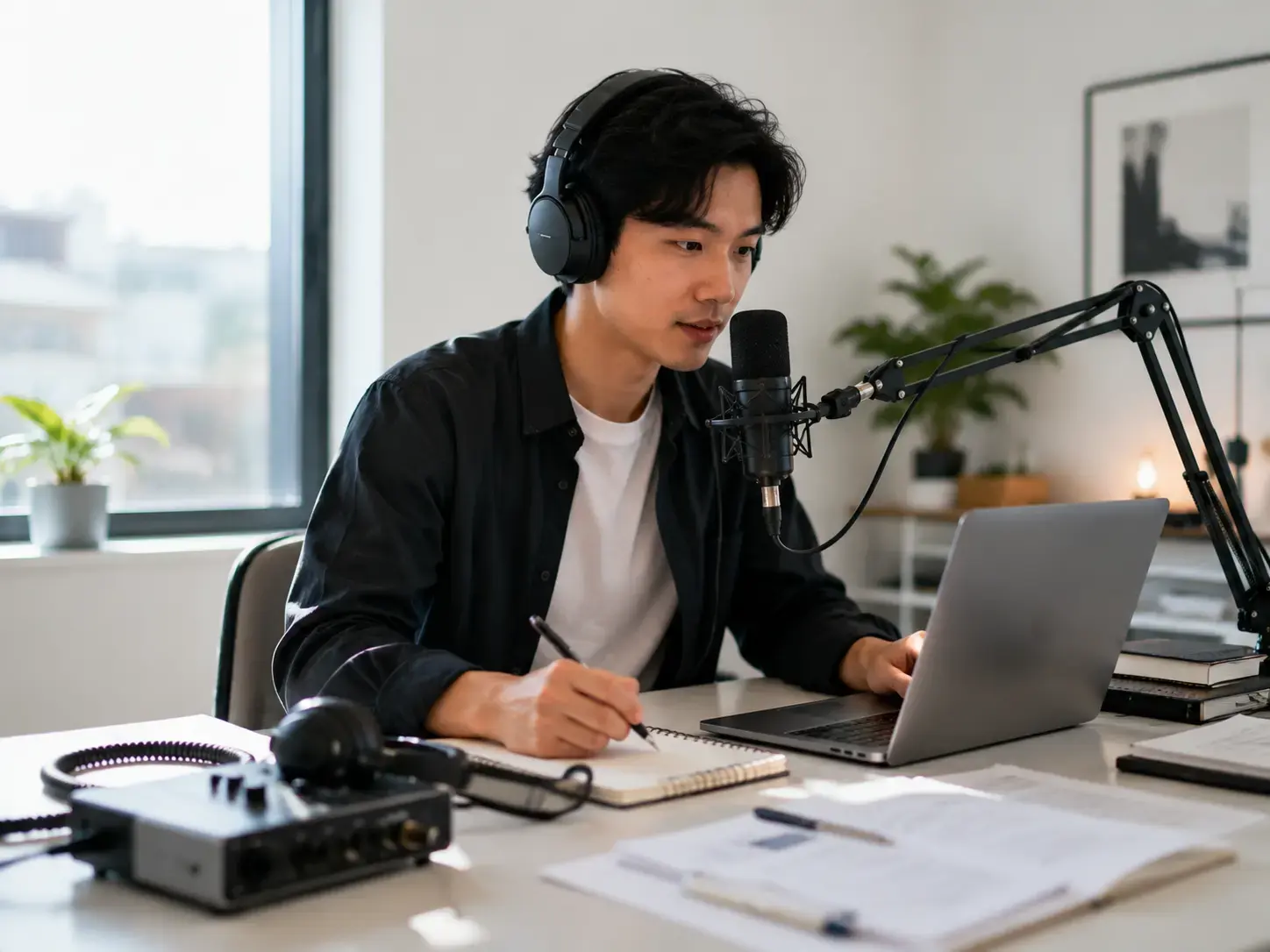
Clear audio produces clearer transcripts.Record in a quiet place, keep speakers close to the mic, and reduce echo or overlapping voices.Upload the highest-quality file you have instead of a heavily compressed copy.
Use Clean Source Files
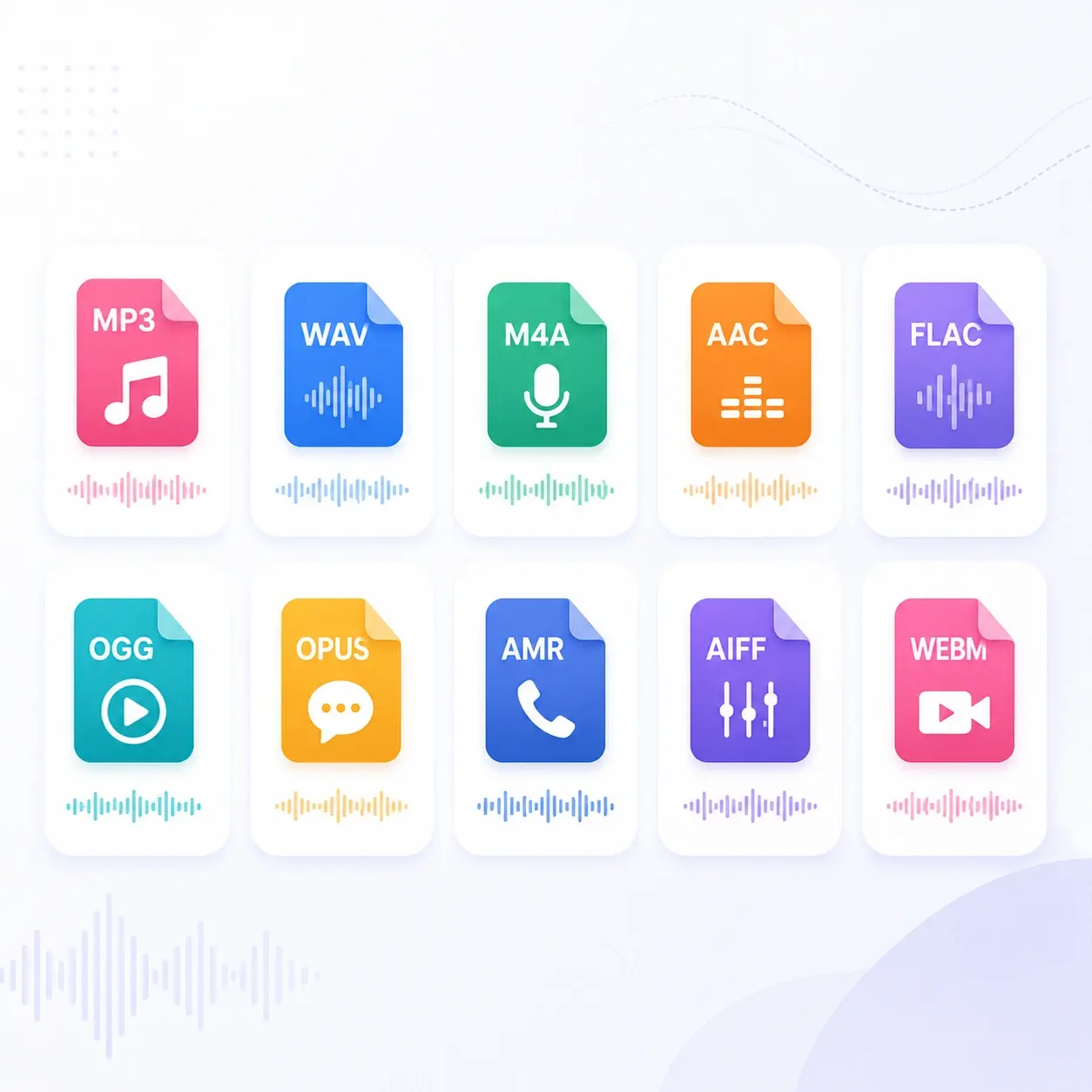
MP3, WAV, M4A, MP4, and WEBM files usually work well, but clearer recordings help the AI preserve names, numbers, technical terms, and punctuation more accurately.
Separate Speakers Clearly
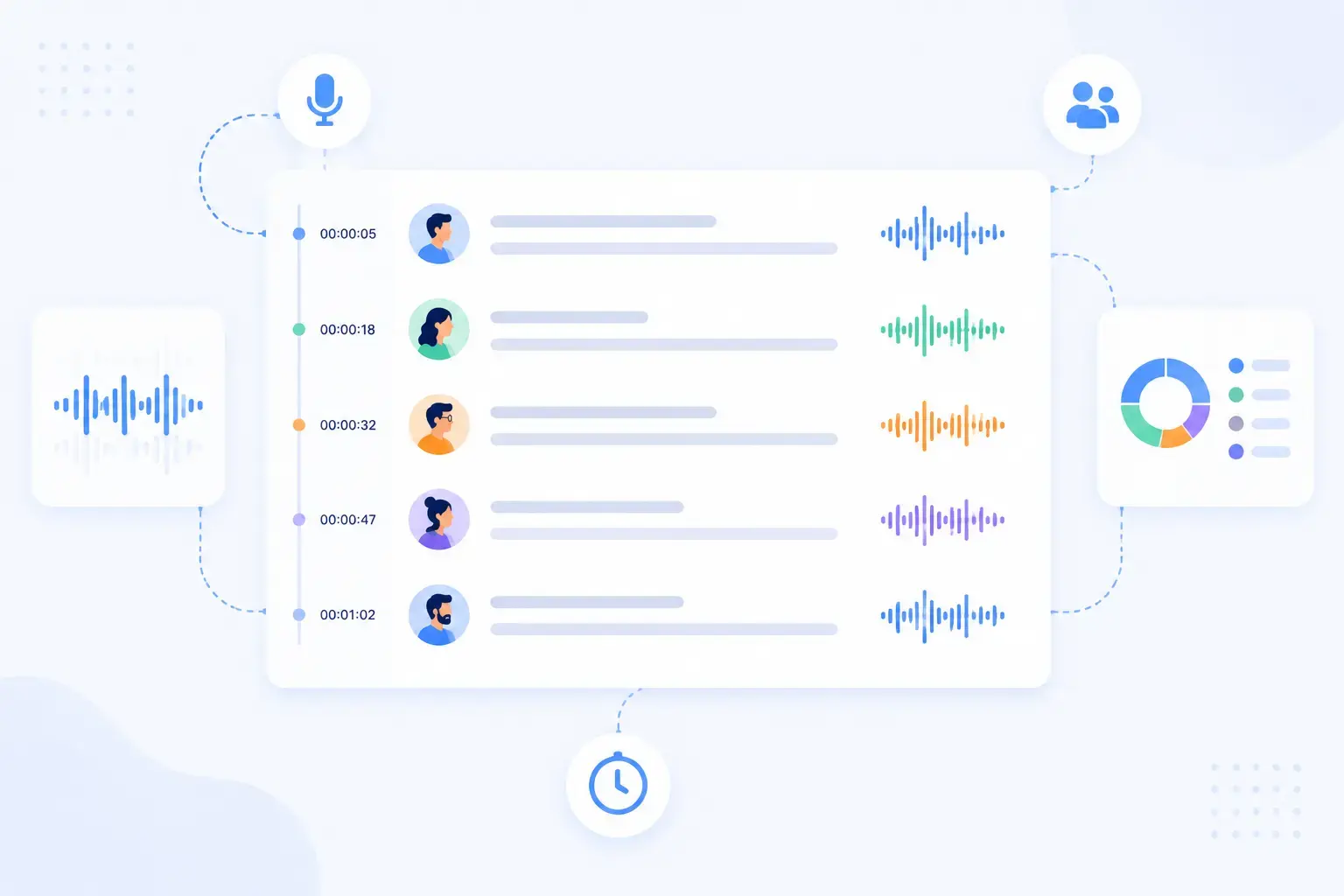
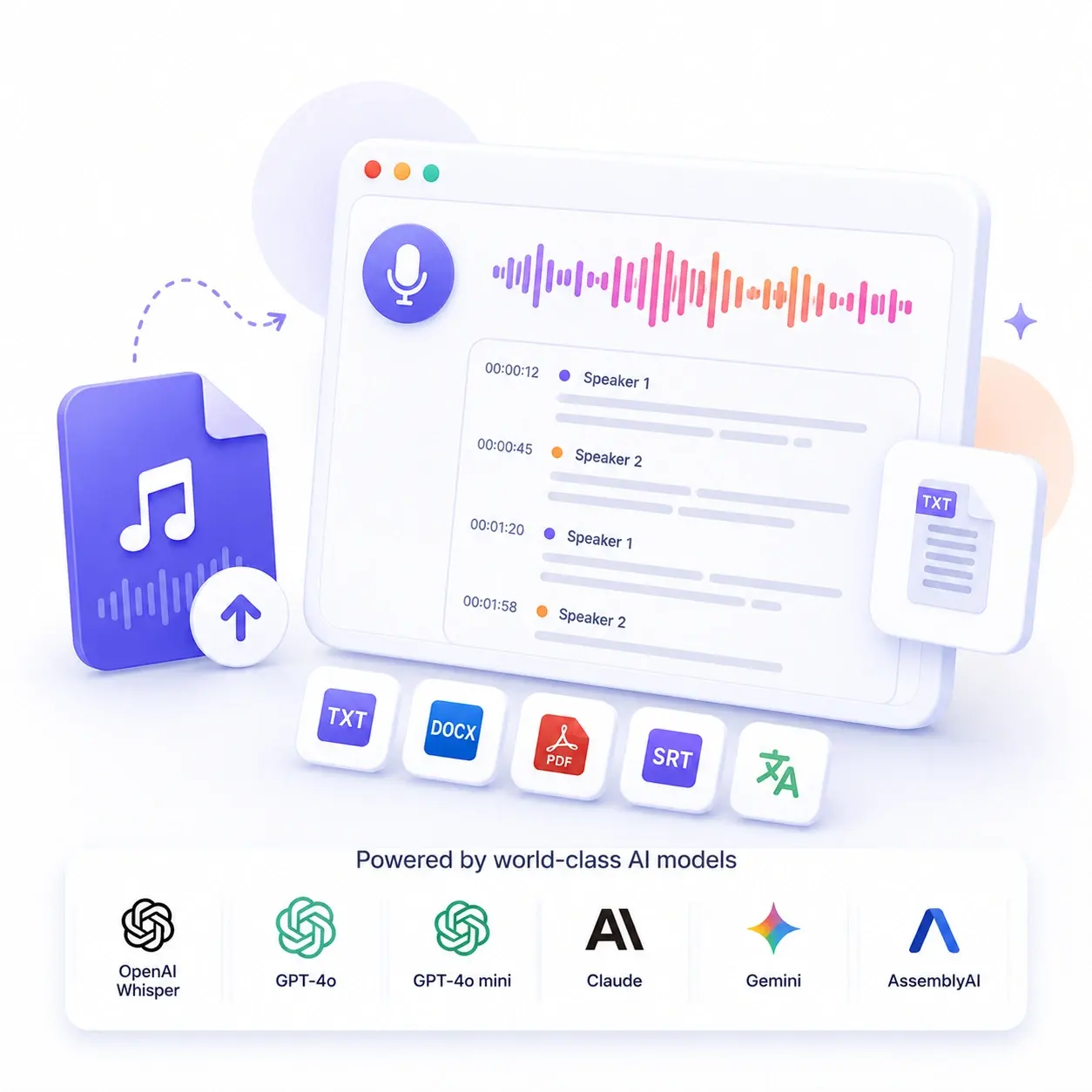
Speaker labels are easier to generate when each person speaks clearly and avoids talking over others. This matters most for interviews, meetings, panels, and group discussions.
Review Before Exporting
After transcription, scan proper nouns, timestamps, and specialized vocabulary before downloading TXT, DOCX, PDF, SRT, or VTT files for publishing or sharing.