Record in the browser
Capture a fresh reference without moving between recording apps or exporting a separate file first.
 123audio
Record or upload your voice, type a new script, choose the language and delivery, then prepare a natural AI voice clone for audio you have permission to create.
Record a clear voice sample
Aim for 15–60 seconds in a quiet room.
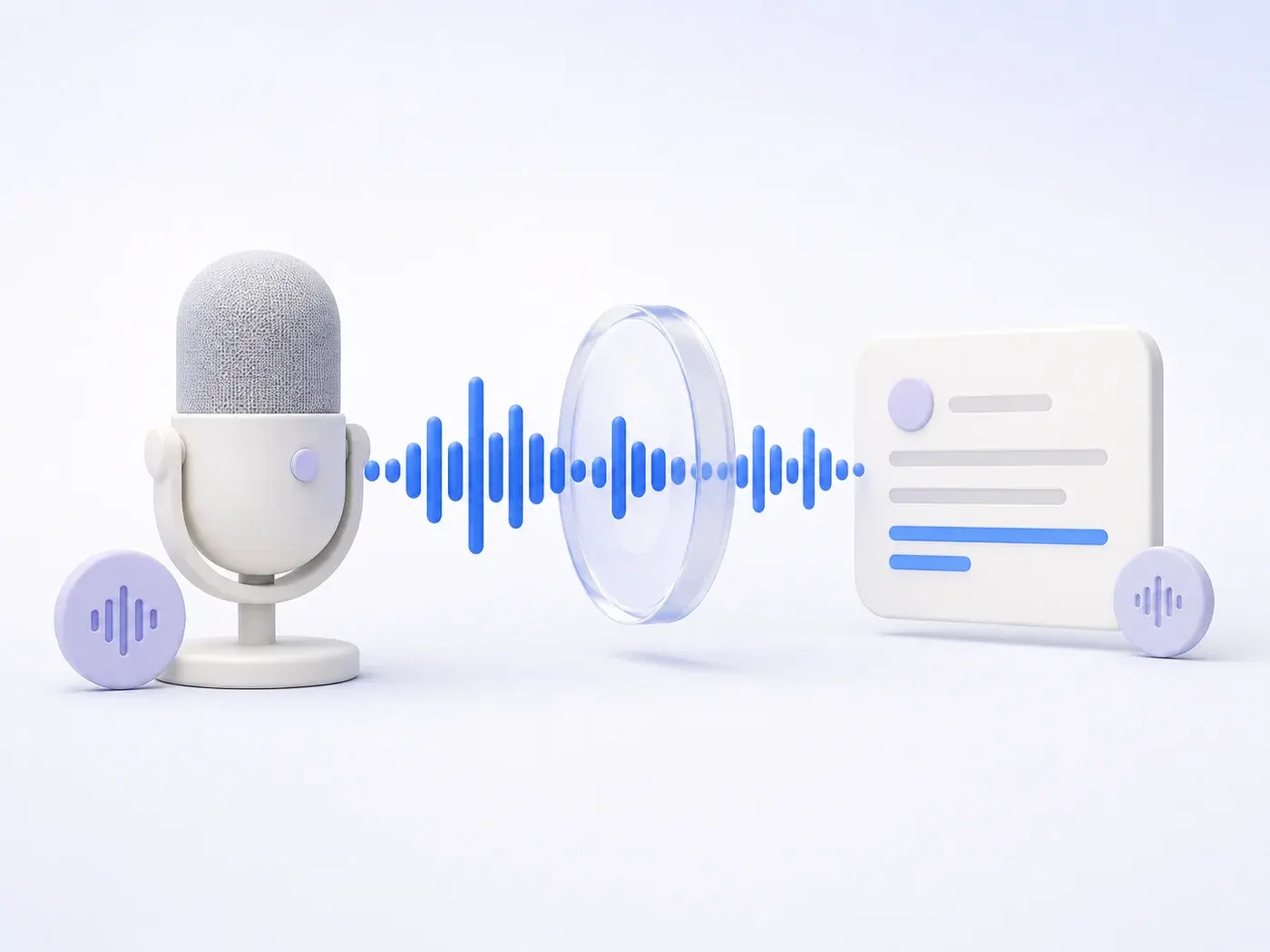
Free voice cloning is an AI text-to-speech workflow that learns vocal characteristics from a consented reference recording, then uses that reference to speak new text. The source can be a short browser recording or an uploaded audio file.
Unlike a voice changer, which transforms audio you already performed, voice clone text to speech starts with a written script. This makes it useful for narration, localized versions, accessibility drafts, product demos, and repeatable creator workflows where the speaker cannot record every line again.
Need words from an existing recording instead? Use voice to text. To translate a finished recording, open the audio translator.
Use one clean reference, direct the new performance, and review the result before it becomes a finished file.
Capture 15–60 seconds of natural speech, or add a clean MP3, WAV, M4A, or WEBM reference file up to 10 MB.
Enter up to 2,000 characters, choose the spoken language, and set a natural, warm, calm, energetic, or serious delivery.
Create the new speech, listen for names and pronunciation, adjust the settings, then download the approved result.
Capture a fresh reference without moving between recording apps or exporting a separate file first.
Use a supported audio file when the cleanest version of the speaker is already saved on your device.
Choose a target language from the workspace and review pronunciation before the audio leaves your project.
Give the generated voice a clear direction instead of accepting the same neutral reading for every script.
Edit the script or delivery and try again without recording the reference voice from the beginning.
Every generation begins with an explicit confirmation that the speaker owns the voice or gave permission.
A clean reference helps the model focus on the speaker instead of the room. Speak naturally, keep the microphone still, and use a short passage with varied sounds and sentence rhythm.
| Sample factor | Use this | Avoid this |
|---|---|---|
| Length | 15–60 seconds | One word or a long unedited session |
| Room | Quiet, soft surfaces | Echo, traffic, or music |
| Delivery | Natural, steady speech | Whispers, shouts, or impressions |
| Format | MP3, WAV, M4A, WEBM | Video with mixed speakers |
Multilingual AI voice cloning can turn one approved reference into new speech across supported languages. That does not transfer ownership of a voice or remove the need for permission. Use your own voice, or document the speaker’s consent before creating the clone.
Do not use voice cloning for impersonation, deceptive endorsements, fraud, harassment, political deception, or to bypass identity checks. Label synthetic audio when a listener could reasonably mistake it for an authentic recording of the speaker.
If a call sounds like someone you know but asks for urgent money or sensitive information, the U.S. Federal Trade Commission recommends ending the call and contacting that person through a number you already know.
Before you generate
Confirm who owns the voice, what the audio will say, where it will be shared, and how the speaker can withdraw permission. Read the privacy policy before uploading sensitive audio.
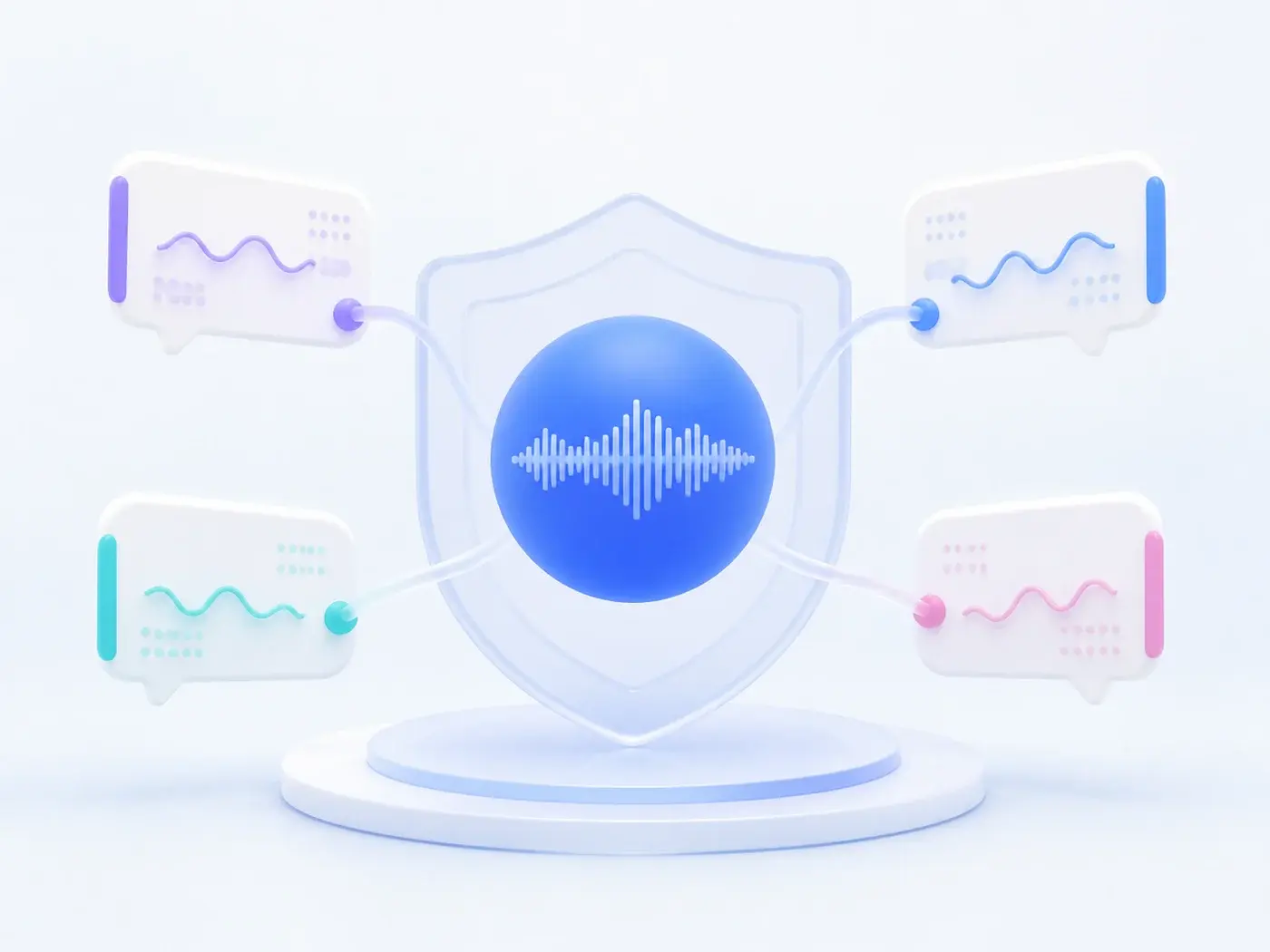
It can reduce repeat recording for drafts, narration, product walkthroughs, localization, and accessible audio. A single approved voice reference can support multiple short scripts and delivery directions.
A clone may miss emotion, pronunciation, accent, timing, or identity details, especially with noisy samples or unfamiliar words. It is not proof that the original speaker recorded, approved, or personally said the generated message.
Free voice cloning is a browser-based workflow that uses a short, consented voice recording as a reference for AI text to speech. You add a sample, enter new text, choose the language and delivery, then generate audio that aims to preserve recognizable qualities of the reference voice.
Record 15–60 seconds of clear speech or upload an audio sample, type the words you want spoken, select a language and delivery style, confirm that you have permission to use the voice, and generate the result. Listen to the output before downloading or sharing it.
Use a clean recording with one speaker, steady volume, minimal echo, and little background noise. Natural speech works better than whispering, shouting, music, or a clip with overlapping speakers. Keep the microphone a consistent distance from the speaker.
A multilingual voice-cloning model can synthesize supported languages from one reference sample. Accent, rhythm, and pronunciation may vary by language, so review names, numbers, specialized terms, and sensitive material before publishing the audio.
You can choose a delivery direction such as natural, warm, calm, energetic, or serious. The result is an interpretation rather than a guaranteed performance, so short sentences, punctuation, and a second generation can help when the first delivery misses the intended tone.
Do not clone or publish another person’s voice without clear permission. Laws and platform rules vary by location and use case, especially for identity, advertising, political content, fraud, and impersonation. When rights are uncertain, get qualified legal advice before generating or distributing the audio.
Add a voice you have permission to use, write the new line, and shape the delivery from one calm workspace.
Start Free Voice CloningContent and product controls last reviewed August 6, 2026.