Cue number
Keeps subtitle blocks in sequence so players and editors can process them in order.
 123audio
Convert audio to SRT online with AI-generated text and precise timestamps. Upload your recording, review the subtitle cues, and download a ready-to-use .srt file.
An audio to SRT converter is a transcription tool that turns speech into timed subtitle cues and saves those cues in the SubRip Subtitle format. Each cue contains a sequence number, a start time, an end time, and the words that should appear during that interval.
The SRT file remains separate from the recording. It does not change, compress, or replace the original audio. This separation makes the subtitle text easy to correct, translate, version, and reuse while the source recording stays intact. The Library of Congress format description identifies SRT as a text-based format built around subtitles and their timing information.
Input
Audio or video file
Process
Speech plus timing
Output
Downloadable .srt
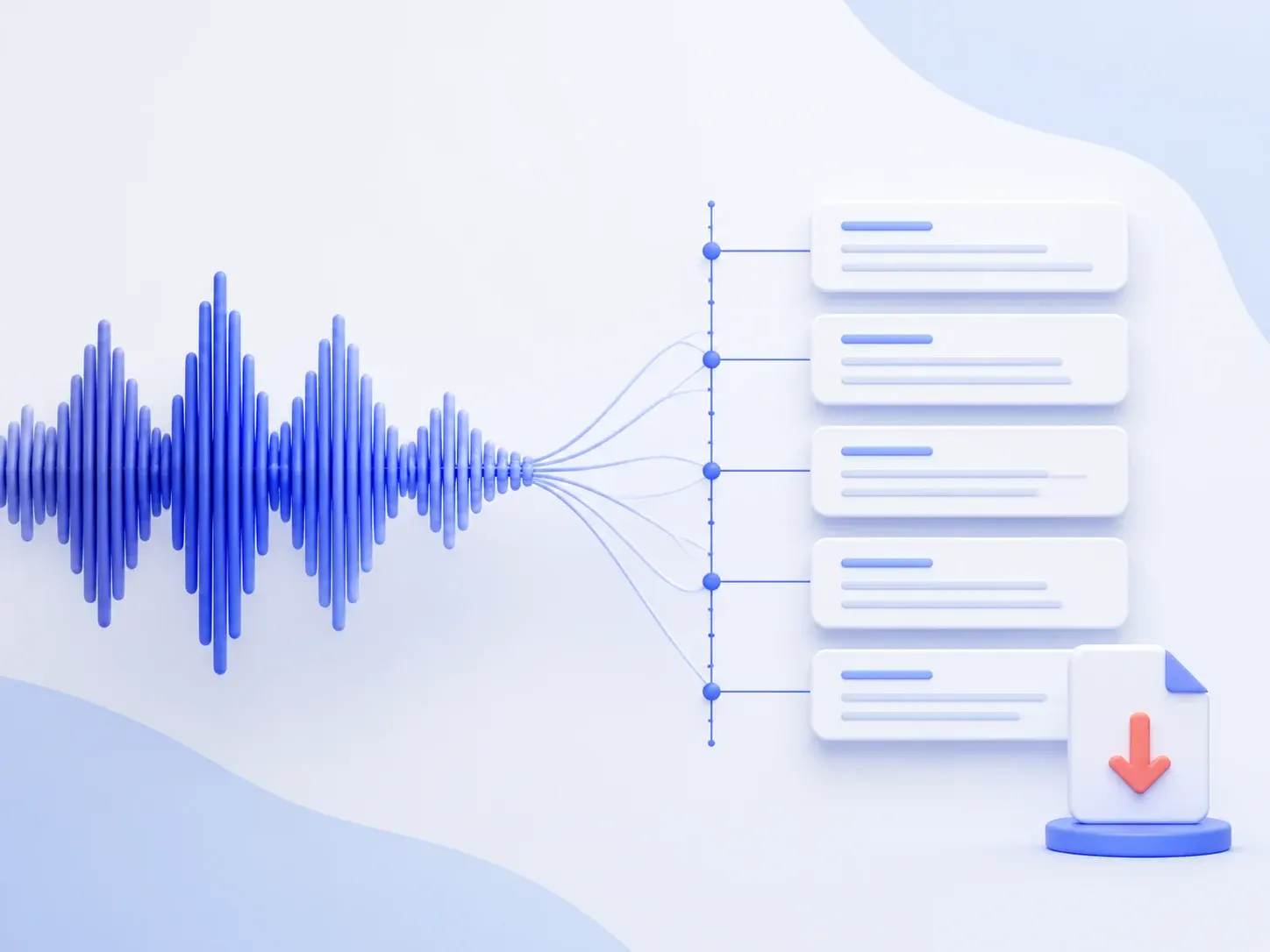
This AI audio to SRT generator uses the same converter as the 123audio homepage, configured here with SRT as the default export format.
Choose an MP3, WAV, M4A, or another supported file. Use the original recording when possible, because repeated compression can make speech harder to recognize.
The converter transcribes the speech and maps each segment to a start and end time. The result becomes a sequence of subtitle cues rather than one unbroken transcript.
Check wording and timing, open Export, and download the default SRT output. The file is ready to import into a compatible editor, player, or publishing workflow.
SRT is plain text organized into repeatable cue blocks. That simple structure is why you can open the file in a text editor, correct a line, and keep the timing data visible.
1
00:00:02,400 --> 00:00:05,900
Welcome to the first subtitle cue.

2
00:00:06,200 --> 00:00:09,800
Each line appears during its time range.Keeps subtitle blocks in sequence so players and editors can process them in order.
Uses hours, minutes, seconds, and milliseconds to place each line on the timeline.
Stores the words shown during the cue. The text remains editable after download.
Separates one cue from the next and keeps the file easy to read and validate.
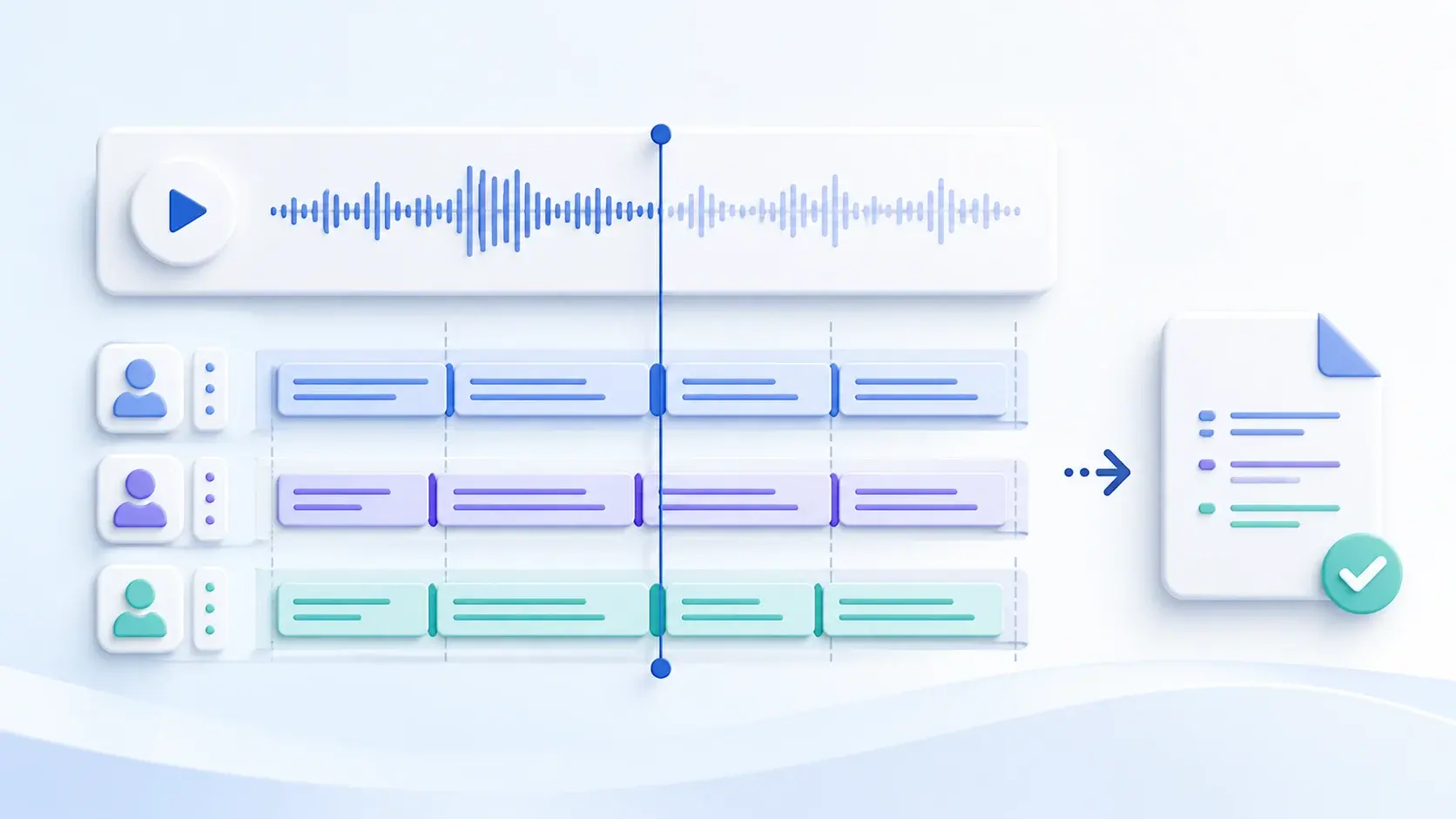
Clear speech makes both transcription and subtitle timing easier to review. Keep the microphone close to the speaker, reduce echo, and avoid heavy background music when you control the recording. If several people are speaking, ask them not to overlap where possible.
AI produces a working draft, not a guaranteed final caption track. Listen back to names, figures, technical language, and sensitive statements. Then check whether each cue has enough time to be read and whether sentence breaks feel natural at the point the speaker pauses.
Choose the output based on what you need to do next. A transcript is built for reading, while SRT and WebVTT are timed-text formats designed to follow media playback.
| Output | Contains timing | Best use | File extension |
|---|---|---|---|
| SRT subtitles | Yes, per cue | Portable subtitle import and editing | .srt |
| Plain transcript | Optional references | Reading, search, notes, and quotations | .txt |
| WebVTT | Yes, per cue | Timed tracks associated with HTML media | .vtt |
For the web-specific alternative, see the World Wide Web Consortium WebVTT specification.
Use this page when the final deliverable needs timed text rather than a document-only transcript.
Turn a recorded conversation into timed captions before publishing clips, full episodes, or an interview archive.
Create a subtitle file for lectures, product walkthroughs, onboarding recordings, and internal training material.
Prepare editable timed text before styling captions or burning subtitles into short-form and long-form video.
Uploaded recordings may contain private conversations, interviews, or business information. Review the 123audio privacy policy before processing sensitive material, and remove files you no longer need from your account history.
Free and paid accounts can have different file-length, usage, history, and export allowances. The pricing page shows the current limits for recurring or longer audio-to-SRT work.
Choose the tool that matches the final output. Use the audio to text converter for a flexible transcript, MP3 to transcript for searchable written records, or voice to text for voice recordings and spoken notes.
Direct answers about converting audio files into timed subtitle text.
Upload an audio file, wait for the speech to be transcribed, review the timed subtitle cues, and export the result as an SRT file. The downloaded file contains numbered cues, start and end timestamps, and the subtitle text that appears during each time range.
You can start an audio-to-SRT conversion with the free usage available on 123audio. File-length, upload, history, and export allowances can depend on your account tier, so check the current pricing page when you are working with longer recordings or recurring projects.
123audio accepts common audio and video sources, including MP3, WAV, M4A, MP4, and WebM. Use the clearest original recording you have. A clean source gives the transcription system a better chance of preserving names, punctuation, and natural subtitle breaks.
No. An SRT file is a separate text file. It stores cue numbers, timestamps, and subtitle text, but it does not contain audio or video. Keep the SRT beside the matching media file and import both into your player, editor, or publishing platform.
Yes. Review proper names, technical terms, numbers, punctuation, and cue timing against the recording. Overlapping speakers, background noise, strong accents, and compressed audio can affect the first draft, so a short review pass is important before public or high-stakes use.
Upload the recording, review the timed cues, and download the SRT file for the next step in your publishing workflow.
Convert Audio to SRT