Interviews and research
Share a readable translation while keeping the source audio close for quote and context checks.
 123audio
Use this audio translator to upload a file or record live, choose a target language, then download translated text and audio from one workspace.
An audio translator turns a recording into a translation you can read, play, and take with you. Choose a saved audio file or record on the spot, tell us the language you need, and start with a clear source transcript.
When the translation is ready, the original and translated versions stay side by side. You can listen to both, copy either text, download the target-language audio, and change the target language without starting from scratch.
If you only need the source text, use our voice to text converter. For an MP3-only workflow, use MP3 to transcript.
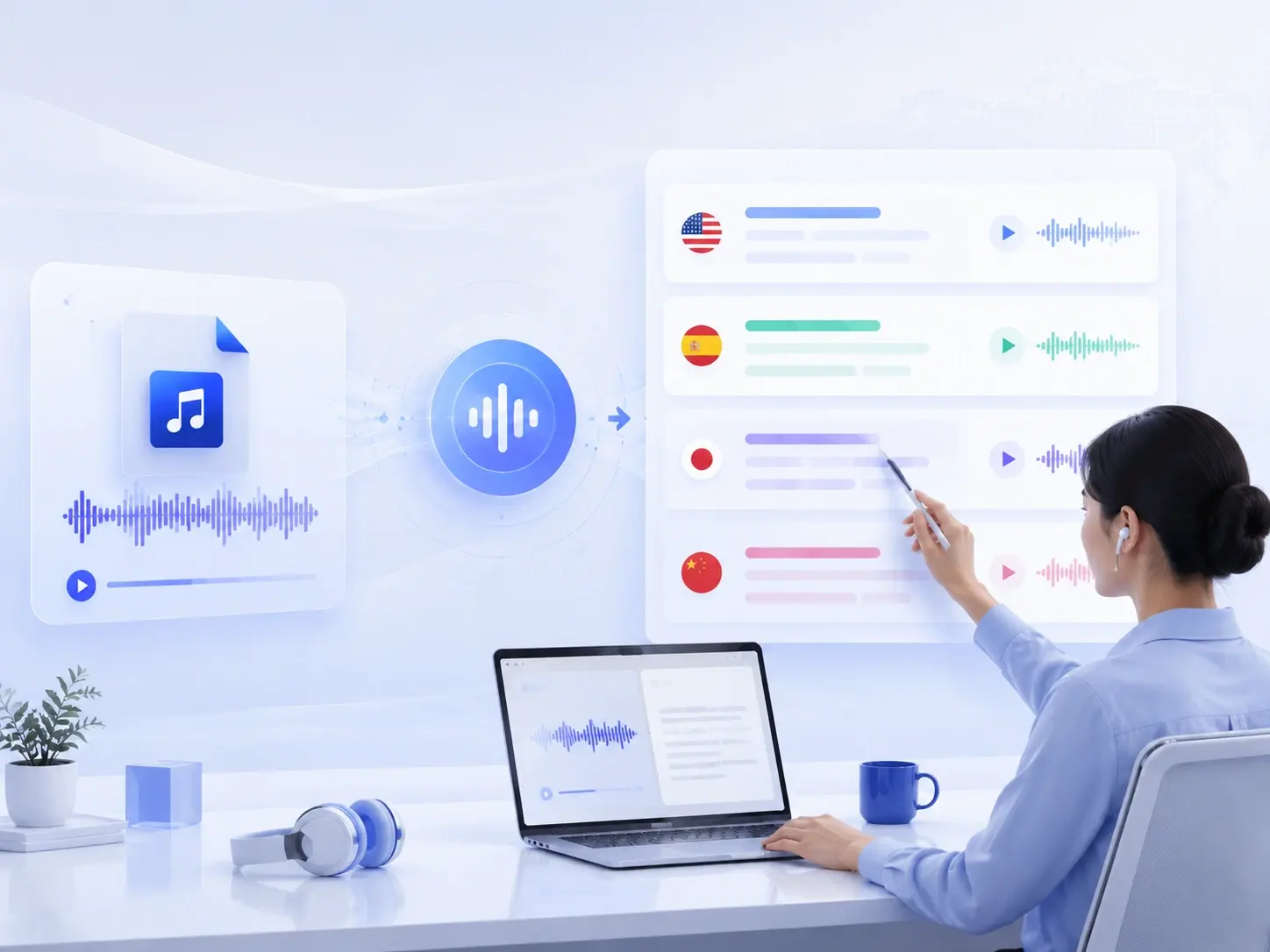
The finished workspace separates source and target language for an easy comparison. Play either track, change the destination language, then download what you need.
A short path from spoken audio to a translation you can listen to, download, and use.
Add a saved file or capture a new recording right in your browser.
Set the language you want to translate into before processing begins.
Read and listen to the translated result, then download text or audio.
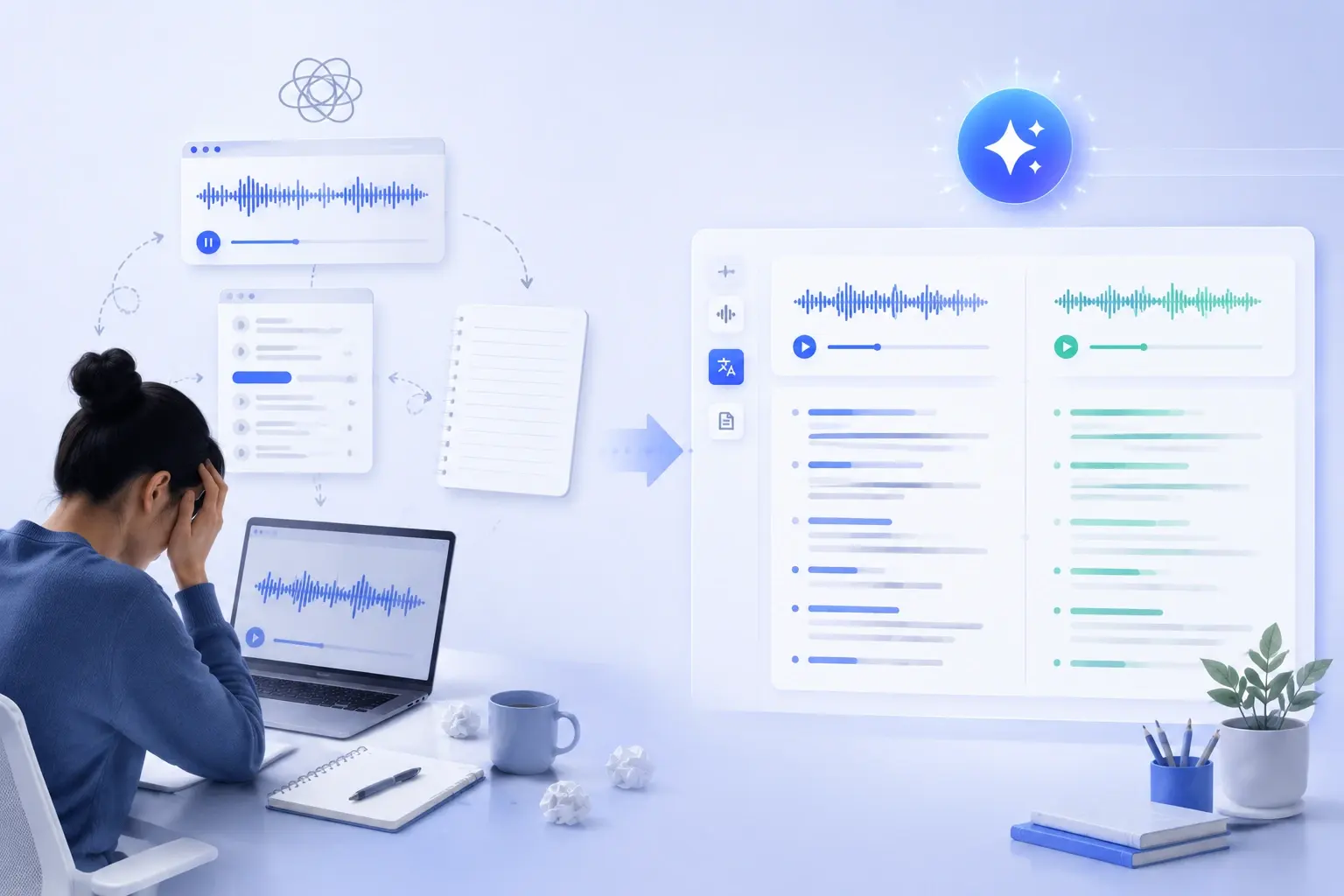
Upload once, then read, translate, and listen from one workspace.
Keep the original beside every translation so you can review the details that matter.
Use it when the recording needs to become shared, searchable material, not just a one-time listening experience.
Share a readable translation while keeping the source audio close for quote and context checks.
Record a message, translate it for colleagues or family, then send the text, audio, or both.
Turn lectures, podcasts, and customer recordings into a language your audience can understand.
A useful audio translator should do more than produce a quick sentence-by-sentence result. It should preserve the original recording and transcript so you can check a name, number, or phrase whenever the meaning is important. Keeping the source and target together also makes it easier to spot uncertainty caused by background noise, overlapping speakers, or an unfamiliar accent.
For day-to-day work, choose a workflow that lets you select the target language, review translated text, listen to the generated voice, and download the format you need. This gives interviews, voice notes, lectures, and customer conversations a usable record instead of leaving the translation trapped in a browser tab.
Machine translation can speed up understanding, but it cannot decide what matters in your recording. Check sensitive content and business-critical details against the source before acting on, publishing, or sharing the translated text.
Read how uploads are handledThere is no need to recreate the audio manually. Upload the original recording where possible, create the text version, and choose the translation you need for the next step in your work.
Upload audio to translate
Podcast producer
This audio translator makes it faster to turn interview recordings into translated text and audio for a global audience.

Language instructor
I can translate recorded lessons into another language, then compare the original transcript and translation in one workspace.

Project manager
For international calls, translated audio and downloadable text help my team share clear follow-up notes.

Video editor
The audio translation workflow keeps the source recording and translated version together, so review is much simpler.

University researcher
I use audio translation to understand foreign lectures and research recordings without replaying each section.

Independent consultant
Switching the target language and downloading translated audio gives me a practical way to prepare multilingual client updates from an MP3 transcript .
Upload an audio file or record directly in your browser, select the target language, and start the translation. The workspace gives you the source transcript, translated text, and translated audio in one place.
Yes. Open the Record Audio tab, allow microphone access, then stop recording when you are done. Your recording enters the same translation workflow as an uploaded file.
You receive the translated transcript and a playable translated audio version. Download either result when you need to share it, or keep both open alongside the original for review.
Yes. Choose another target language in the workspace and select Re-translate. Your original audio and transcript remain available while you compare language versions.
Yes. Upload your MP3, select English, and download the translated text or audio when it is ready. Review names, figures, technical language, and sensitive content against the source before sharing it.
You can upload common formats including MP3, WAV, M4A, AAC, FLAC, OGG, OPUS, AIFF, AMR, MPEG, and WEBM. MP4 and WEBM video files are also accepted when you need to translate the spoken audio they contain.
The audio translator currently lets you translate into English, Simplified Chinese, Spanish, French, German, Japanese, Korean, and Portuguese. Choose your destination language before processing, then re-translate the same recording when you need another available version.
AI translation is useful for understanding and sharing spoken content quickly, but it can miss context, names, accents, technical terms, or unclear speech. Always compare important details with the original audio and transcript before publishing, making decisions, or sharing sensitive information.
Uploads are limited to 25 MB per file. Guest uploads support recordings up to 10 minutes, while free accounts support recordings up to 30 minutes; paid usage supports longer files subject to available credits.
Upload the recording, create the transcript, then translate and review the words that matter.
Start Audio Translation