Meetings, calls, and interviews
Read decisions and follow-ups after the call, find a specific quote, and create a concise summary from a source you can verify.
 123audio
Use this voice to text converter to upload or record audio, turn speech into editable text with AI, then review, copy, or export your transcript.
A voice to text converter turns spoken words in a recording into editable, searchable text. Upload an audio file, add a supported video, or record in your browser; then review the transcript and reuse the details in your next document, note, or workflow.
It is especially useful when you need to find a decision in a meeting, pull a quote from an interview, or turn a voice memo into a draft without replaying the source. Timestamps help you return to the original moment, while editable text lets you correct names, organize ideas, and share only the useful parts.
Unlike live dictation, a recording-based workflow starts after the conversation has happened. That makes it a practical choice for existing audio: keep the source for context, create a transcript, and use the written version for search, review, and export.
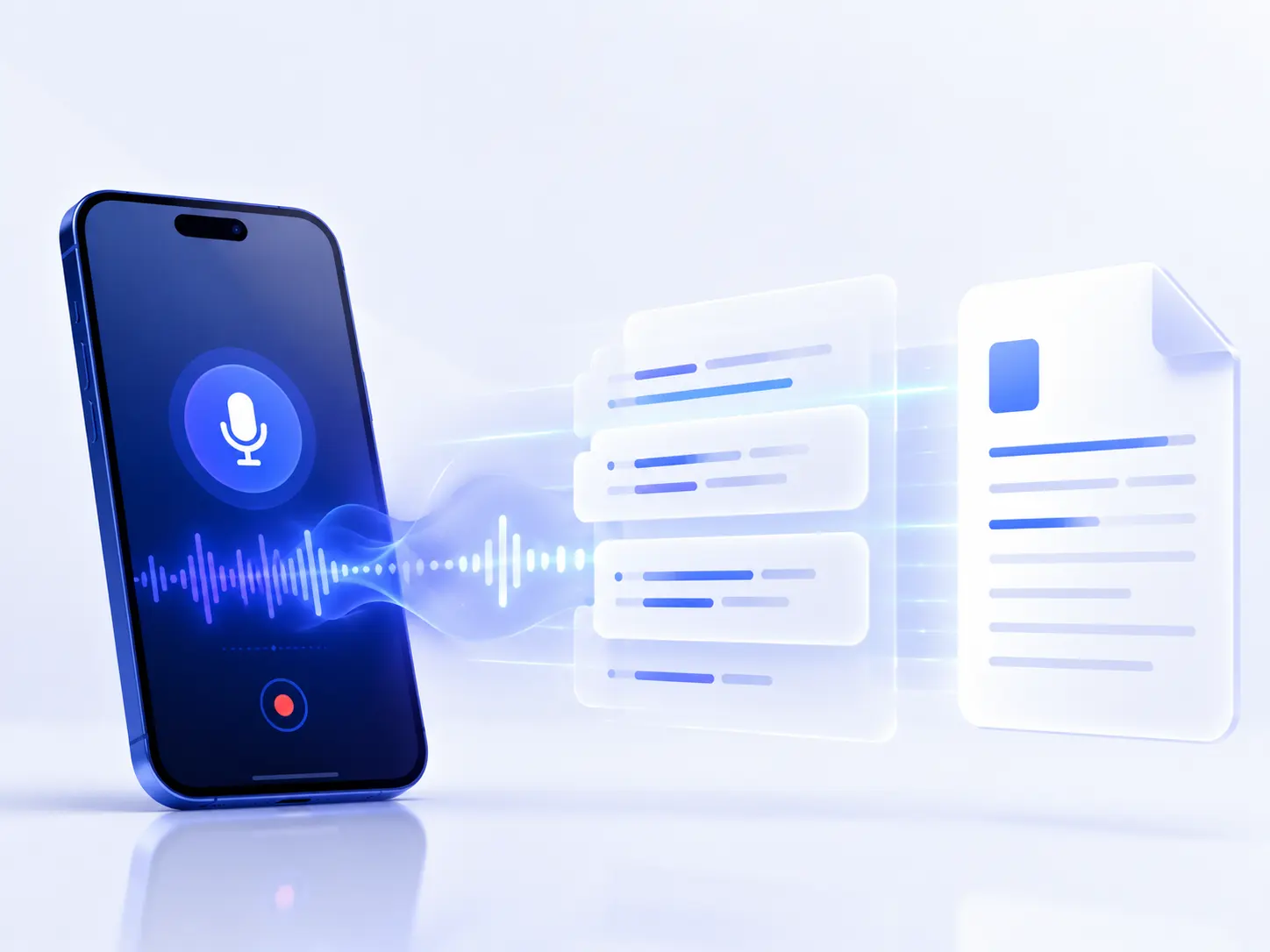
You do not need to set up transcription software. Start with the recording you already have and choose the result you need next.
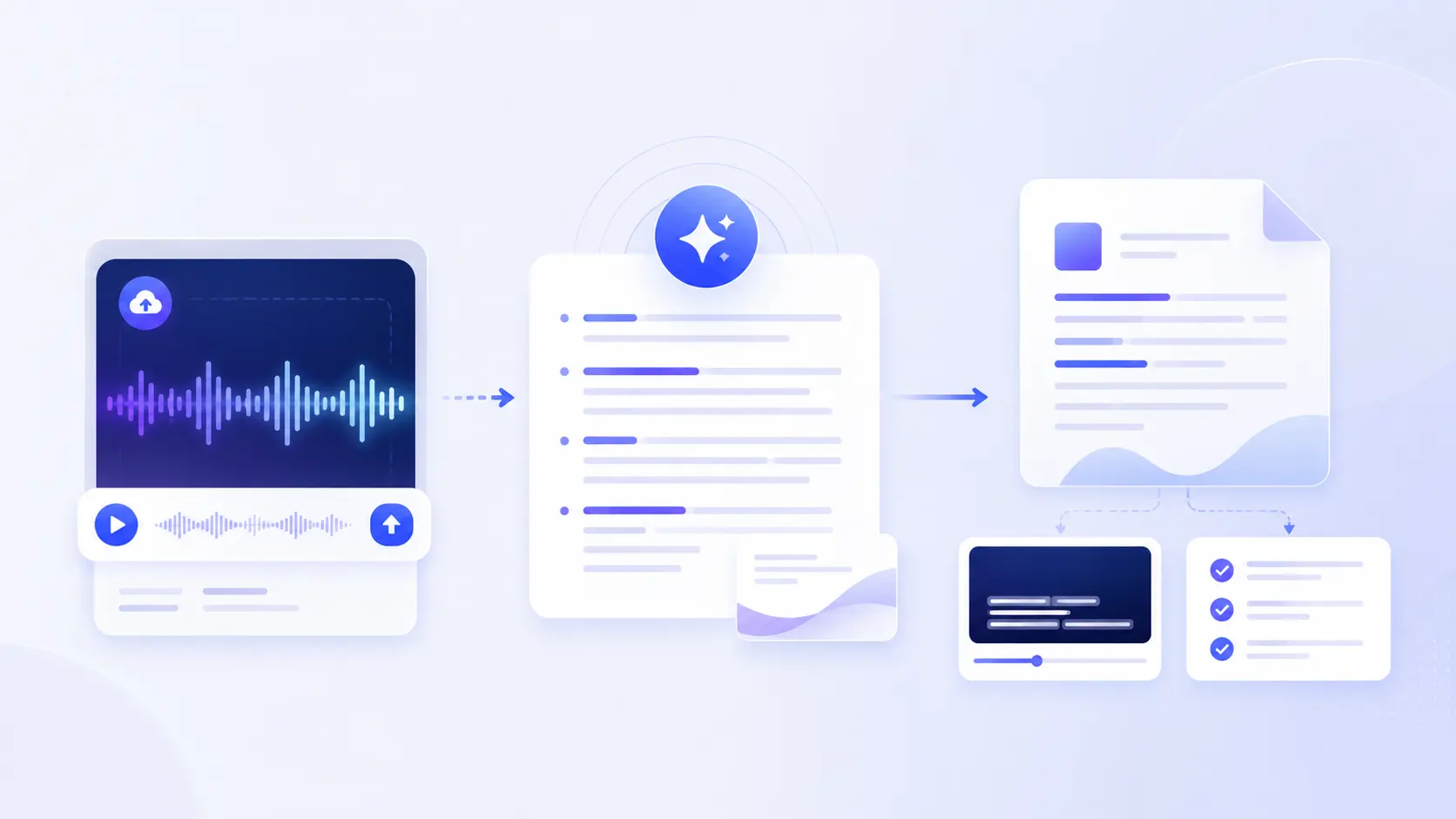
Upload a voice memo, audio file, or video, or record directly from your browser.
Voice to text AI recognizes the speech and returns readable text you can scan instead of replaying the recording.
Review key details, then copy the text or export it for a document, subtitle file, summary, or shared note.
People often search for voice to text Google or voice to text online Google when they want a fast way to dictate. Google voice typing can be a good fit when you are speaking live and want words to appear in a document as you talk. It is a dictation workflow.
A recording workflow is different. If the conversation already happened, you need a voice to text converter online free that accepts a file, finds the speech, and makes it practical to review later. That is where 123audio fits: upload an audio or video source, create a transcript, then look for the information that matters. For other media files, use the audio to text converter on the 123audio homepage.
For voice to text Word queries, start by creating the transcript here, then copy it into Microsoft Word or export DOCX when available. You retain the flexibility to polish headings, add comments, share a draft, or turn spoken material into a formal document without manually retyping it.
| Workflow | Best when | Input | Result |
|---|---|---|---|
| Live dictation | You are speaking now. | Microphone | Immediate notes in a document |
| Recorded voice to text AI | The audio already exists. | Audio, video, or microphone recording | Searchable transcript to review |
| Document-ready text | The transcript needs editing or sharing. | Completed transcript | Copied text or an exported document |
The strongest use case is not just “get text.” It is getting to the next useful action faster.
Read decisions and follow-ups after the call, find a specific quote, and create a concise summary from a source you can verify.
Turn a quick spoken idea into an outline, email draft, brief, or note without losing the wording you captured in the moment.
Search a lecture or research conversation for a concept, then use the transcript as a study or source-review companion.
Use a spoken episode or video as raw material for show notes, captions, clips, an article outline, or a more accessible version of your content.
Voice to text AI works best when people can be heard clearly. Use the original recording instead of a heavily compressed copy whenever possible. A quiet room, one speaker at a time, and a microphone close to the person speaking give the transcription a clearer signal to interpret.
Review the completed transcript before treating it as final, especially when it contains proper names, figures, technical terms, or decisions with real consequences. AI is a fast first pass; your contextual review turns that first pass into a dependable work product. Read our privacy policy to understand how files are handled, or compare available export features on the pricing page.
A voice to text converter is an AI tool that listens to speech in a recording and returns editable written text. Instead of playing a voice note repeatedly or typing it manually, upload it once and review a searchable transcript with punctuation, timestamps, and optional speaker labels.
Yes. You can use 123audio for voice to text free on supported short recordings, without a credit card. An account is only needed for saved history, longer files, and selected advanced features or exports.
123audio is a browser-based voice to text app. It works on desktop, tablet, and mobile in a modern browser, so there is no separate download or installation step before you can transcribe a recording.
Yes. Voice to text online is useful when you have an existing recording rather than live dictation. Google voice typing is designed for speaking into a document; 123audio is designed to upload, transcribe, review, and export audio or video files.
You can copy a finished transcript into Microsoft Word, or export it as a DOCX file on an eligible plan. This gives you a clean starting point for meeting notes, interview drafts, reports, and documents that need additional editing.
Start with the cleanest recording available. Keep speakers close to the microphone, reduce background noise and echo, avoid talking over one another, and review names, numbers, and technical vocabulary before you publish or share the text.
Upload a recording or start speaking, then turn the words into text you can review, edit, and reuse.
Start Voice To Text Online