Keep the speaker’s intent
Start from the actual Spanish recording instead of a typed summary. That preserves tone, pauses, and the details a listener may need to revisit.
 123audio
When the message is spoken, translating it should not begin with a blank document. This Spanish to English Translator Voice turns uploaded or recorded Spanish into an English transcript and a voice version you can actually listen to.
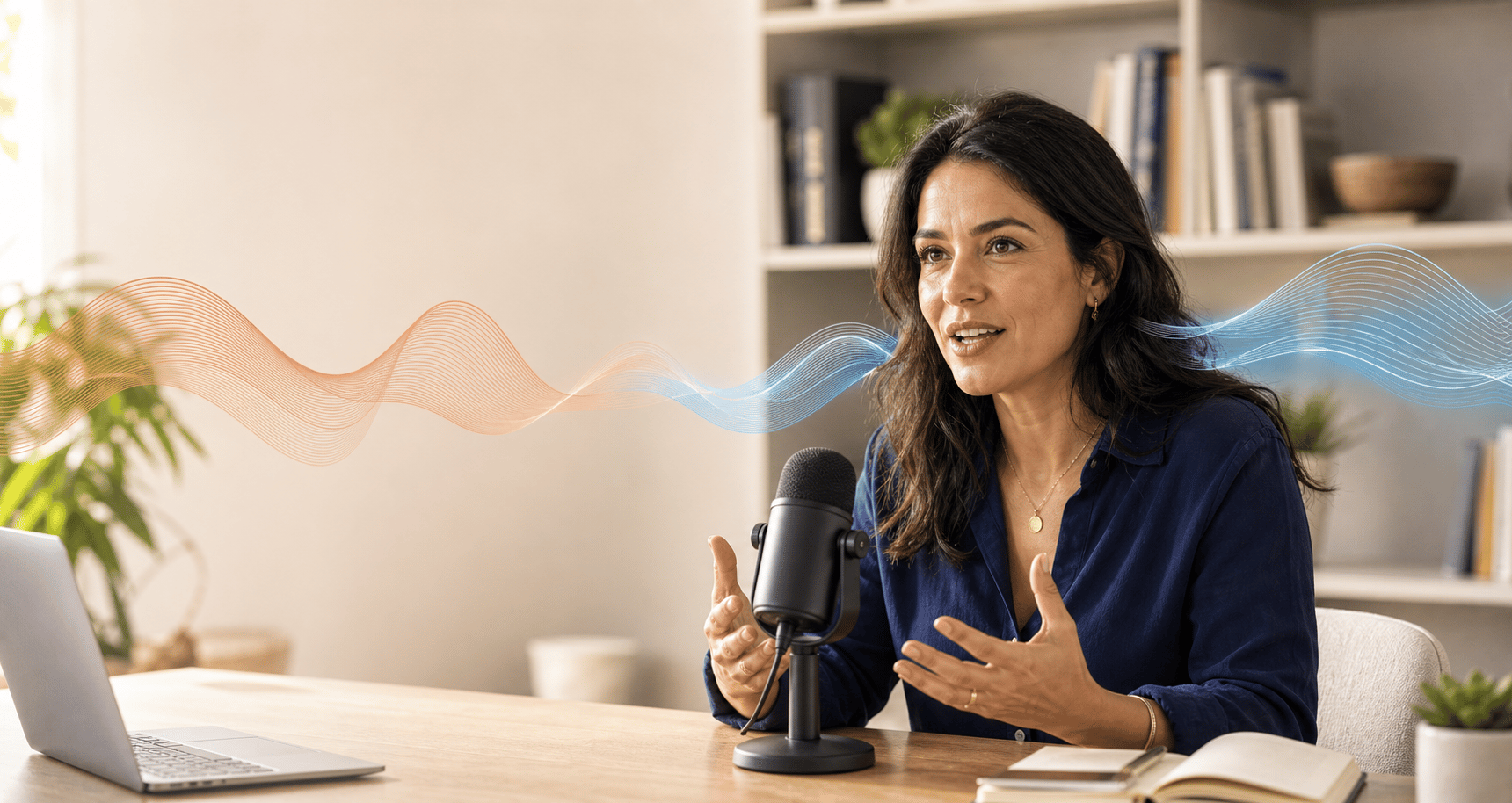
The primary job is simple: help an English-speaking listener understand a Spanish recording without losing access to the original.
Start from the actual Spanish recording instead of a typed summary. That preserves tone, pauses, and the details a listener may need to revisit.
A text translation is useful at a desk; an English voice track is easier to share while commuting, reviewing a call, or preparing a reply.
Copy the English transcript or download translated audio when the result needs to move into a lesson, brief, or customer update.
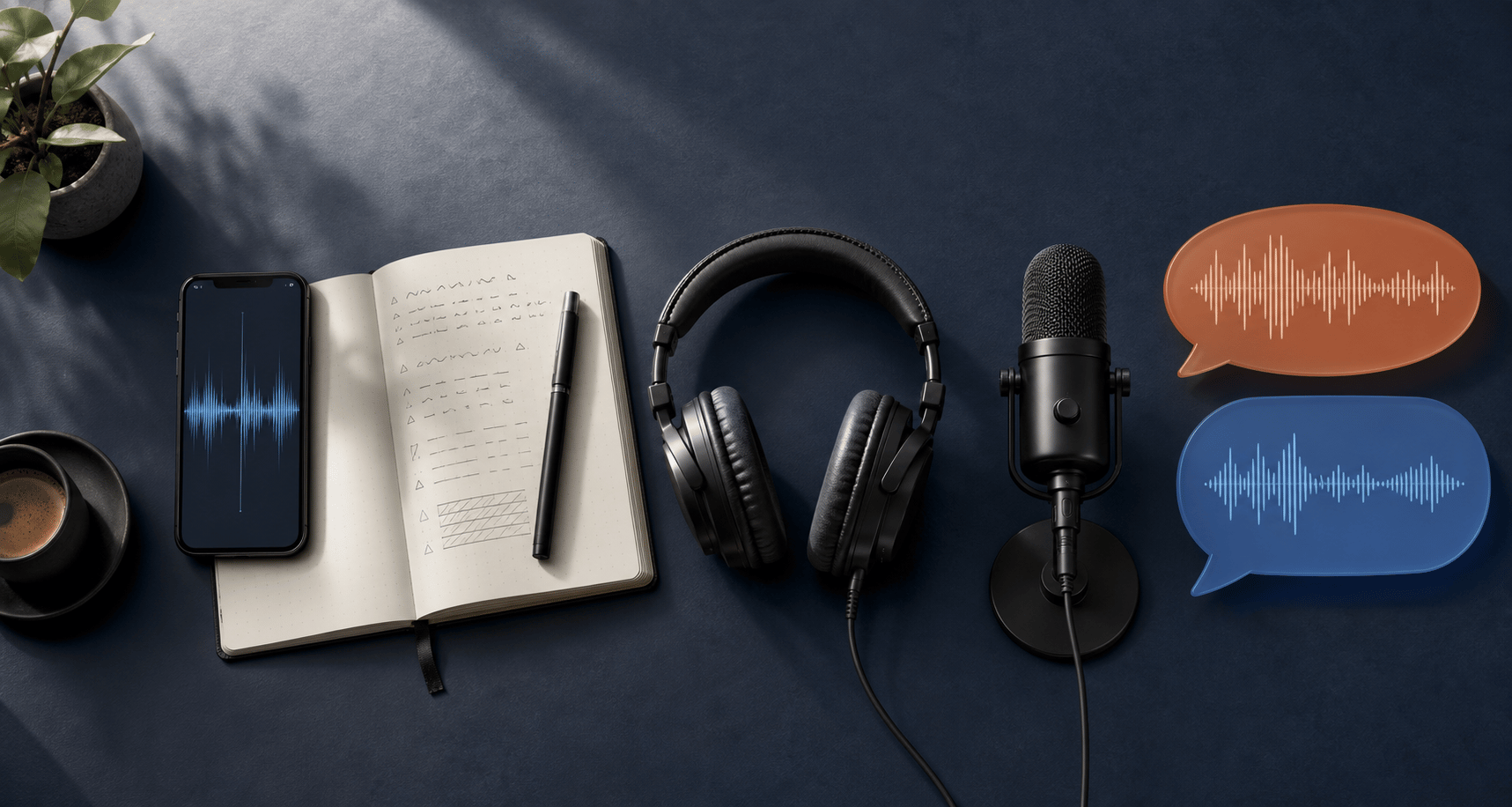
The workflow is most helpful when it keeps three things connected: the source recording, the written meaning, and the spoken English result. You can hear the translation without giving up the context in the original Spanish.
Choose a Spanish MP3, voice note, or a fresh browser recording.
Read the English result while the original remains available for comparison.
Play or download the English audio for a teammate, class, or customer.
Not every Spanish recording has the same purpose. A quick voice note may only need a natural English summary, while an interview or customer call may need a line-by-line transcript that can be searched later. This page keeps both options close together so you can decide after hearing the source.
For short messages, start with the English voice track. Listening is often faster than reading when you are walking, commuting, or checking a message on a phone. If a phrase sounds unclear, switch back to the Spanish audio and use the transcript to locate the exact moment.
For work and study, the written English translation is usually the useful handoff. Copy it into notes, use it as a first draft for a reply, or download it for a teammate who was not on the call. The generated voice adds another layer of context: pronunciation, emphasis, and pacing are easier to share than a block of translated text.
A Spanish to English translator voice tool should therefore be judged by the whole review loop, not by one sentence on its own. Upload once, compare the source, and keep the output that matches the way you plan to use it.
Different recordings need different kinds of English output. Whether you call it Spanish to English translation voice or simply spoken translation, the useful result is one that fits what you need to do next.
Listen in English first, then return to the Spanish audio when a phrase or name deserves a closer look.
Create a searchable English record for follow-up without asking someone to retype the entire call.
Keep the speaker’s cadence in the original while sharing an English version with your wider team.
Turn a quick Spanish explanation into audio you can replay when you need it.
You do not need studio equipment, but a few habits make the result more dependable. Keep the phone or microphone close enough to capture consonants, pause between speakers when you can, and avoid placing music under the conversation. If the source includes a place name, product name, or person’s name, leave it in the original audio instead of spelling it from memory.
Regional Spanish is rich with shortened words and local expressions. A first translation may choose a literal English phrase when a local listener would use an idiom. That is why the source transcript remains important: it gives you a quick way to check the phrase before turning the translation into a public caption, customer promise, or formal record.
If you need a source-only transcript, compare it with our voice to text converter. For an MP3-first workflow, see MP3 to transcript. When the destination language changes, the broader audio translator keeps the same upload-and-review pattern.
For the clearest Spanish to English voice translation, place the microphone close to the speaker, reduce room noise, and avoid talking over another person. A clean source gives the translator fewer guesses to make.
Voice translation accelerates understanding; it does not remove the need for judgment. Compare sensitive, legal, medical, or business-critical details with the Spanish source before acting on or publishing the English version.
Learn about upload handlingIt converts spoken Spanish into an English transcript and a playable English voice track. This is useful when you need to understand a recording, send an English version, or keep both languages for review.
Yes. Upload the voice note or record it in the workspace. The Spanish speech is transcribed automatically, translated into English, and prepared as audio so you do not need to type the source first.
The generated English voice is designed for clear listening and sharing. Punctuation and sentence breaks from the transcript help the voice follow the translated meaning, though names and slang should still be checked against the Spanish source.
Recordings from Spain and Latin America can be used. Audio quality matters more than the country label: a quiet recording with one clear speaker usually gives the best starting transcript.
Files are limited to 25 MB. Guest recordings support up to 10 minutes, free accounts up to 30 minutes, and paid usage can support longer files subject to available credits.
Yes. If you need an English to Spanish voice translator, open the broader audio translator, choose English as the source and Spanish as the target, then download the Spanish text or voice. That reverse workflow produces an English to Spanish translation voice; this page stays focused on Spanish to English.
Try the Spanish to English translator voice workspace with a recording you already have.
Translate Spanish audio