123audio Guide
Translate Indonesian Voice to English: A Simple Guide
Turn Bahasa Indonesia speech into clear English text or audio, check the details that matter, and choose the right output for your next step.
Quick answer
To translate Indonesian voice to English, upload or record the Bahasa Indonesia speech, set Indonesian as the source and English as the target, then review the source transcript before using the English text or voice output. If you searched for translate inggris indonesia voice to english, this is usually the workflow you need: Indonesian speech in, English meaning out.
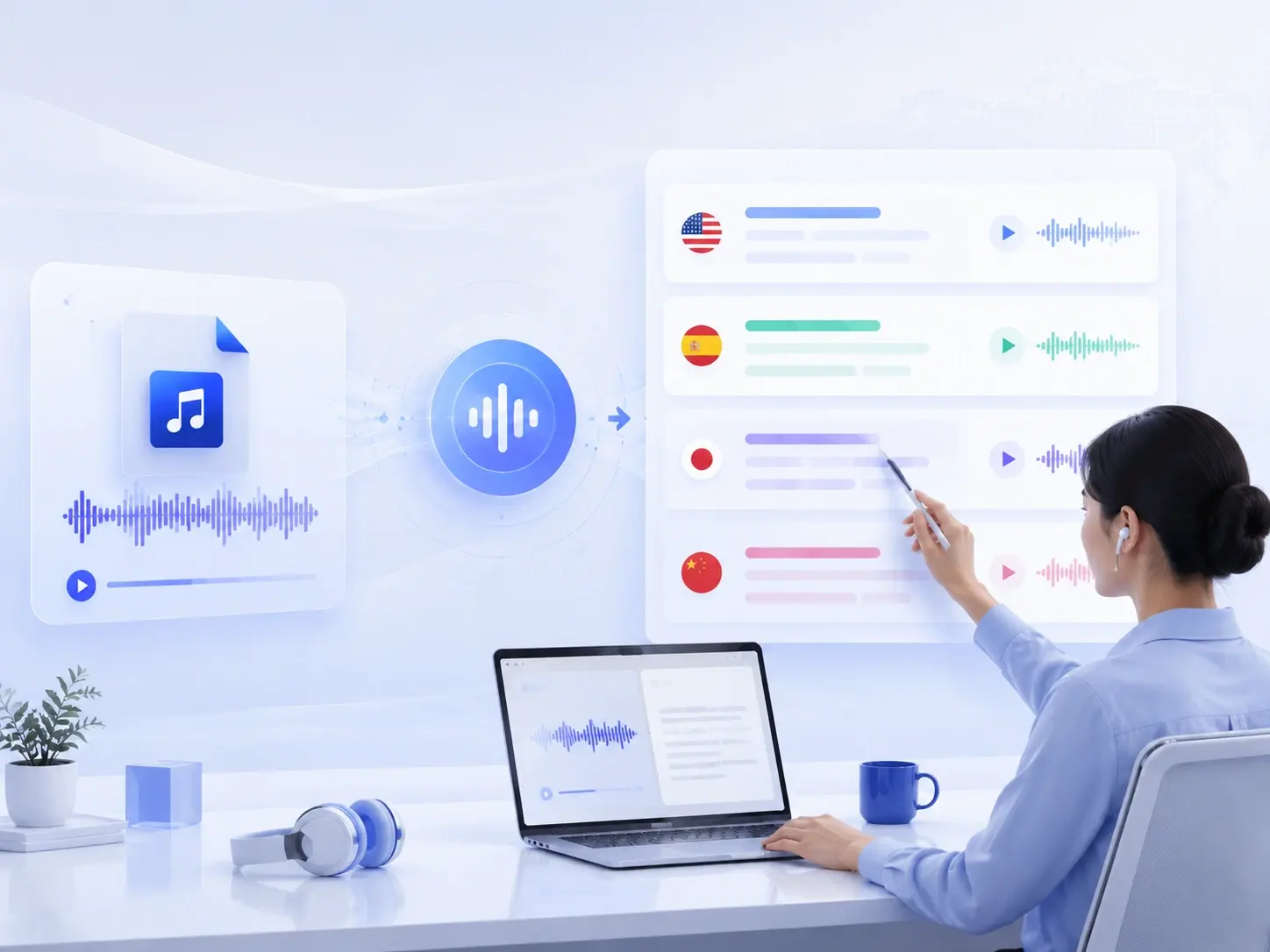
Translate the meaning
Convert spoken Indonesian into readable English.
Listen in English
Create an English voice version for playback and sharing.
Review the source
Confirm important details against the original audio.
What does “translate inggris Indonesia voice to English” mean?
The phrase mixes Indonesian and English. Inggris refers to English, while Bahasa Indonesia is Indonesian. In practical terms, most searchers want to speak Indonesian or upload an Indonesian recording and receive an English translation they can read or hear.
There are two different outputs to consider. An English transcript is best for copying, editing, searching, and quoting. English audio is best when a colleague, customer, learner, or family member needs to listen. A useful translator lets you keep the original Indonesian beside both outputs.
How to translate Indonesian voice to English online
You can complete the basic process in four steps. Start in the 123audio online audio translator, where you can upload a saved file or record a new message.
- Step 1: Add the Indonesian audio. Upload an MP3, WAV, M4A, or another supported recording. You can also record a new message in the browser.
- Step 2: Set Indonesian to English. Choose Indonesian as the spoken source and English as the target language so the recognition and translation stages run in the correct direction.
- Step 3: Review the source transcript. Check the Indonesian text for names, figures, local expressions, and any phrase that the microphone may have captured incorrectly.
- Step 4: Use the English result. Copy or download the English transcript, or listen to the generated English audio before you share it.
Fast quality check: listen to the first 20 seconds, confirm the source transcript matches what was said, and inspect every name, date, price, address, and measurement before downloading the English version.
How Indonesian voice translation works
Voice translation is normally a chain, not a single conversion. Speech recognition first turns the Indonesian audio into text. Machine translation then converts that text into English. If you request spoken output, text-to-speech generates a new English audio track from the translation.
| Stage | Input | Output | What to check |
|---|---|---|---|
| 1. Transcription | Indonesian speech | Indonesian text | Names, slang, numbers, and speaker changes |
| 2. Translation | Indonesian text | English text | Meaning, tone, context, and terminology |
| 3. Voice generation | English text | English audio | Pronunciation, pacing, and sentence breaks |
This chain explains why the source transcript matters. If speech recognition hears the wrong Indonesian word, the translator receives the wrong input. Fixing the transcript first is often more effective than repeatedly regenerating the English output.
123audio uses a speech-recognition workflow that supports Indonesian as the source language. Deepgram's current model documentation lists Indonesian with the language code id. Selecting the explicit source language is especially helpful when a short recording does not provide enough context for automatic detection.
How to get a clearer English translation
The model matters, but the recording often determines whether the first result is useful. Move closer to the microphone, reduce music and room noise, and ask people to speak one at a time. Google's voice-translation troubleshooting guidance likewise recommends a quiet room, an external microphone when needed, and sufficient input volume.
Indonesian conversations may include regional vocabulary, abbreviations, product names, English code-switching, or casual forms that differ from formal writing. Keep a short glossary for repeated names and technical terms. For business, legal, medical, academic, or public-facing material, ask a fluent human reviewer to compare the English with the original Indonesian.
- Use the cleanest original file rather than a copy forwarded through several messaging apps.
- Split very long recordings into logical sections when you need focused review.
- Replay surprising translations and inspect the corresponding Indonesian transcript.
- Mark uncertain phrases instead of guessing at the speaker's meaning.
- Keep the original audio with the final English file for traceability.
Choose English text, English voice, or subtitles
Choose the output according to what happens next. If you need notes or quotes, download the English transcript. If someone needs to listen while travelling or working, use the English voice. For a video, create timed captions after reviewing the translation.
| Output | Best for | Recommended next step |
|---|---|---|
| English text | Meetings, research, customer notes, and search | Copy, edit, or download the transcript |
| English audio | Voice notes, listening, and easy sharing | Check pronunciation before sending |
| English SRT | Videos, courses, interviews, and social clips | Review timing with the audio-to-SRT workflow |
If you only need the Indonesian words and not a translation, use the voice-to-text converter. For a saved MP3, the MP3-to-transcript guide and tool gives you a source-only workflow before translation.
When Indonesian-to-English voice translation is useful
Interviews and research
Create an English working transcript while preserving the Indonesian source for quotation checks.
Voice notes and family messages
Listen to the meaning in English, then return to the original when a personal detail needs confirmation.
Lessons and language practice
Compare the Indonesian transcript, English translation, and spoken English to study meaning and pronunciation.
Customer and team communication
Prepare an English record for follow-up, with human review for commitments, prices, and deadlines.
Before uploading confidential recordings, review the service's handling terms and your permission to process the speakers' voices. You can read the 123audio privacy policy and keep a local copy of the source. Browser recording also requires microphone permission; MDN documents that web microphone access is restricted to secure contexts and requires user approval.
Frequently asked questions
How do I translate an Indonesian voice recording to English?
Upload the recording to an audio translator, choose Indonesian as the source language and English as the target, then start the translation. Review the Indonesian transcript first, correct names or misheard words, and use the English text or generated English audio that fits your purpose.
Can I translate Bahasa Indonesia voice to English for free?
Yes. Some browser-based tools offer free processing for short recordings. Check the current duration, file-size, export, and account limits before you begin. For important material, keep the original recording and review the translated result rather than treating the first AI output as final.
Can I translate an Indonesian voice note without typing it?
Yes. Upload the saved voice note or record speech through your browser microphone. The tool can transcribe the Indonesian speech before translating it into English, so you do not need to type the source manually. You may still need to correct proper names, numbers, slang, or unclear passages.
Can an Indonesian audio translator create English speech?
An audio translator with text-to-speech output can create both an English transcript and a playable English voice track. Use the transcript when you need search, editing, or quotes; use the English audio when listeners need a version they can play or share.
How accurate is Indonesian-to-English voice translation?
Accuracy depends on the recording, speaker, background noise, overlapping voices, vocabulary, and context. AI is useful for a fast first version, but names, dates, prices, technical terms, and consequential statements should always be checked against the Indonesian source before publication or action.
Start with the Indonesian source, then verify the English
The simplest answer to translate inggris Indonesia voice to English is a three-part workflow: transcribe the Indonesian speech, translate the meaning, and create English audio only if listeners need it. Clear input and a careful source-transcript review do more for reliability than repeatedly generating a polished voice from unchecked text.
Open the 123audio homepage to explore the full audio toolkit, or go directly to the audio translator and try a short Indonesian recording first.
References and source materials
These official resources informed the language-support, microphone, and workflow guidance in this article: